

Sales teams today juggle leads from dozens of sources—web forms, paid ads, referral partners, list purchases, and inbound calls. Without a centralized system, opportunities slip through the cracks, follow-ups get delayed, and revenue is left on the table. This is why cloud based CRM software has become the backbone of modern sales operations, replacing spreadsheets and disconnected tools with a single, accessible platform that works from anywhere.
In this guide, we'll break down what cloud based CRM software actually does, why it matters for lead-driven businesses, how to evaluate providers, and what separates a genuinely useful platform from a bloated enterprise tool that slows your team down.
What Is Cloud Based CRM Software?
Cloud based CRM (Customer Relationship Management) software is a customer and lead management system hosted on remote servers and accessed through a web browser, rather than installed locally on individual computers. Instead of maintaining expensive on-premise servers and IT infrastructure, businesses subscribe to the software and access it over the internet—often on a month-to-month or annual basis.
For sales teams and call centers, cloud CRM software typically includes:
- Centralized lead and contact databases
- Pipeline and deal tracking
- Telephony integration (auto dialers, click-to-call)
- Email and SMS campaign tools
- Reporting and analytics dashboards
- Mobile access for remote or field teams
The appeal is straightforward: lower upfront costs, faster deployment, automatic updates, and the flexibility to scale up or down as your team changes. According to Salesforce's State of Sales report, high-performing sales teams are significantly more likely to use cloud-based tools that integrate multiple functions into one workflow.
Why Lead-Driven Businesses Need More Than a Basic CRM
Many CRM platforms were built primarily for account management or long B2B sales cycles. But businesses that generate or purchase high volumes of leads—insurance agencies, mortgage brokers, home services companies, call centers, and marketing agencies—have different needs. Speed to contact, call volume, and follow-up consistency matter more than complex deal-stage customization.
For these teams, a generic CRM often falls short because it lacks:
- Built-in telephony — Sales reps waste time switching between a dialer, a phone system, and the CRM itself.
- Lead aggregation — Leads from multiple vendors or campaigns need to flow into one place automatically.
- Multi-channel follow-up automation — Email alone isn't enough; SMS and calls are often more effective for time-sensitive leads.
- Affordable, flexible pricing — Many enterprise CRMs lock businesses into annual contracts with per-user fees that scale poorly for growing call centers.
This is precisely the gap that platforms like LeadMailbox were built to fill. Rather than forcing sales teams to stitch together a CRM, a separate dialer, and third-party SMS tools, an integrated cloud platform consolidates everything lead-related into a single dashboard—reducing software costs and eliminating the data silos that cause leads to go cold.
Core Features to Look For in a Cloud CRM
Not all cloud CRM platforms are created equal. When evaluating options, sales leaders should look closely at the following capabilities.
Lead Aggregation and Distribution
The best cloud CRMs for lead-based businesses can pull in leads automatically from multiple sources—web forms, third-party lead vendors, landing pages, and marketing campaigns—and route them to the right rep instantly. Speed matters enormously here: research from Harvard Business Review found that companies contacting leads within an hour were far more likely to qualify them than those who waited even a few hours longer.
Telephony Tools
Auto dialers and click-to-call functionality let reps make more calls in less time, automatically logging call outcomes and recordings directly to the lead record. This is especially valuable for call centers making high volumes of outbound calls daily.
SMS and Email Campaign Automation
Multi-channel nurture sequences keep leads warm even when a rep can't immediately reach them by phone. Automated drip campaigns triggered by lead behavior or status changes ensure no lead is forgotten.
AI-Powered Calling and Scheduling Agents
Newer platforms are integrating AI agents that can make initial outreach calls, qualify leads, and schedule appointments directly onto a rep's calendar—freeing human agents to focus on high-value conversations. This is an area where LeadMailbox has invested heavily, offering AI-powered agents designed specifically for lead follow-up and appointment setting.
Reporting and Analytics
Real-time dashboards showing call volume, conversion rates, campaign performance, and rep productivity help sales managers make data-driven decisions rather than relying on gut instinct.
Affordable, Flexible Pricing
Month-to-month contracts without long-term lock-in are critical for growing businesses and call centers that need to scale their user count up or down seasonally.
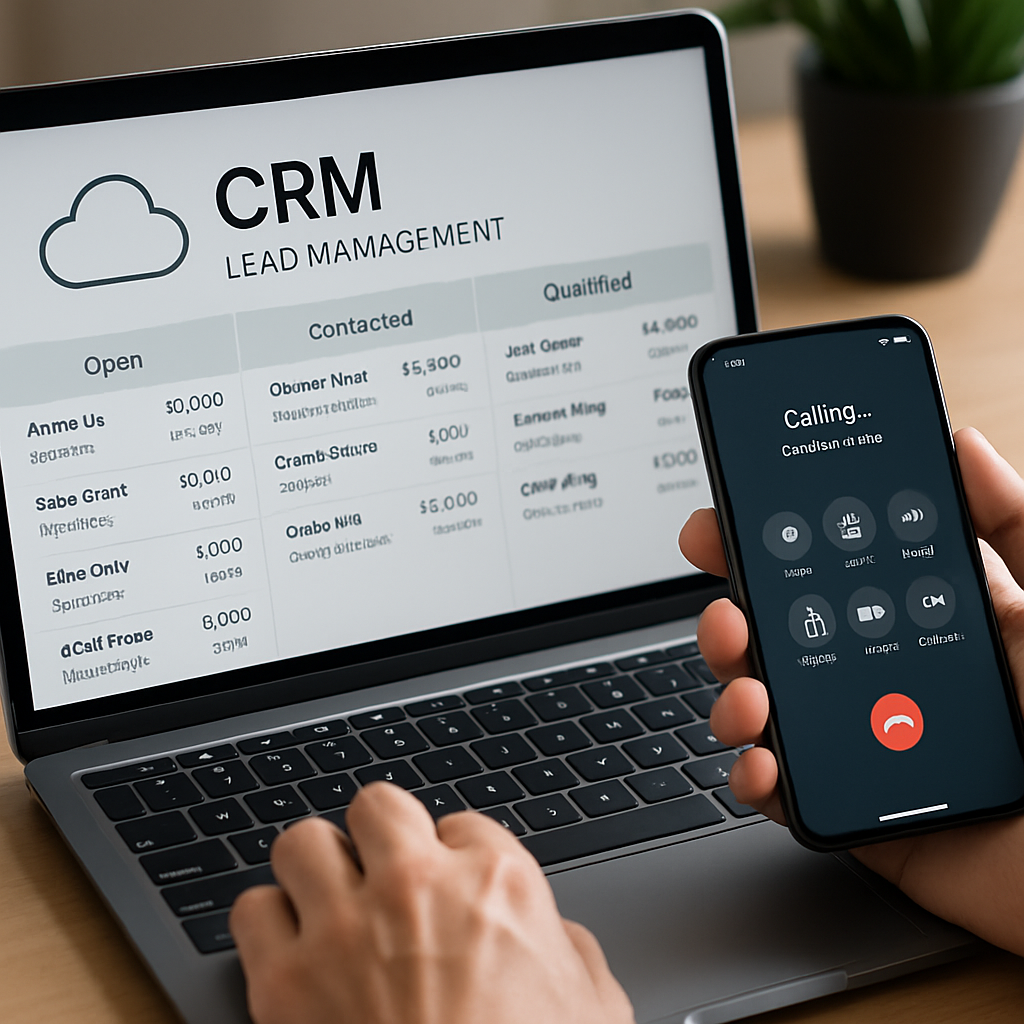
Comparing Cloud CRM Deployment Models
Before choosing a platform, it's worth understanding how cloud CRM differs from other deployment models, since the terminology can be confusing.
| Deployment Model | Hosting | Upfront Cost | Maintenance | Best For |
|---|---|---|---|---|
| Cloud/SaaS CRM | Vendor-hosted servers | Low | Handled by vendor | Small-to-midsize teams, call centers |
| On-Premise CRM | Company's own servers | High | Handled in-house | Large enterprises with dedicated IT |
| Hybrid CRM | Mix of both | Moderate | Shared | Businesses with strict data residency needs |
As the table shows, cloud CRM dramatically reduces the barrier to entry. There's no need for dedicated IT staff to manage servers, apply security patches, or troubleshoot hardware failures—the vendor handles all of it, which is one reason the National Institute of Standards and Technology's cloud computing framework has become a widely referenced standard for understanding the shared responsibility model between vendors and customers.
Cloud CRM Feature Comparison for Lead-Based Sales Teams
Because sales teams and call centers have such specific needs, it helps to compare feature sets directly rather than relying on generic CRM marketing claims.
| Feature | Generic CRM | Enterprise CRM | LeadMailbox |
|---|---|---|---|
| Lead aggregation from multiple sources | Limited | Yes (complex setup) | Yes, built-in |
| Auto dialer / click-to-call | Add-on required | Add-on required | Included |
| SMS campaigns | Rarely included | Add-on required | Included |
| AI calling/scheduling agents | Not available | Emerging, costly | Included |
| Month-to-month pricing | Sometimes | Rarely | Yes |
| Setup complexity | Low-Moderate | High | Low |
| Ideal team size | Small teams | Large enterprises | Small to large call centers |
This comparison highlights why lead-generation businesses often outgrow generic CRMs quickly—they need telephony and messaging tools built directly into the platform rather than bolted on through expensive third-party integrations.
How Cloud CRM Software Reduces Costs and Increases Sales
Cost reduction is one of the most compelling reasons businesses migrate to cloud-based systems. Here's how it typically plays out:
- No hardware investment. There are no servers to buy, maintain, or replace.
- Predictable subscription pricing. Month-to-month plans make budgeting simpler than large annual licensing fees.
- Reduced software sprawl. Combining CRM, telephony, and messaging into one platform eliminates the need to pay for multiple separate tools.
- Lower training overhead. Cloud platforms with intuitive interfaces reduce onboarding time for new reps.
- Improved conversion rates. Faster lead response times and consistent follow-up directly translate to more closed deals.
A report from Nucleus Research has previously found that CRM software delivers a strong return on investment when properly adopted—largely because of gains in sales productivity and forecast accuracy. When telephony and messaging are integrated directly into the CRM, as with LeadMailbox's platform, those productivity gains compound further since reps aren't wasting time switching between disconnected tools.
Security and Compliance Considerations
Because cloud CRM platforms store sensitive customer and lead data, security should be a top priority during evaluation. Key questions to ask any vendor include:
- Is data encrypted both in transit and at rest?
- Does the platform comply with relevant regulations such as TCPA for calling and texting, or GDPR/CCPA for data privacy?
- What backup and disaster recovery protocols are in place?
- Are there role-based access controls to limit data exposure?
- How is call recording data stored and secured?
Businesses using telephony features should be particularly mindful of compliance with calling and texting regulations. The Federal Communications Commission's TCPA guidelines outline strict rules around consent for automated calls and texts, and any cloud CRM with built-in dialing or SMS tools should offer compliance safeguards to help businesses avoid costly violations.

Choosing the Right Cloud CRM: A Step-by-Step Framework
Selecting a cloud CRM shouldn't be a rushed decision. Use this framework to evaluate providers systematically:
- Define your core workflow. Map out exactly how leads enter your business, how they're distributed, and what happens at each follow-up stage.
- List must-have features. For lead-based sales teams, this usually means dialer integration, SMS, and lead aggregation—not just contact storage.
- Request a live demo. Watch how leads flow through the system in real time rather than relying on marketing screenshots.
- Check pricing transparency. Look for platforms that clearly state monthly costs without hidden per-feature upcharges.
- Evaluate support responsiveness. Test how quickly the vendor's support team responds to questions during your trial period.
- Confirm scalability. Make sure the platform can handle both your current team size and anticipated growth.
- Review contract terms. Favor month-to-month agreements over long-term commitments, especially if you're still validating the platform's fit.
Following this process helps prevent the common mistake of choosing a CRM based on brand recognition alone, only to discover months later that it lacks the telephony or automation features your team actually needs.
Common Mistakes When Switching to a Cloud CRM
Even with a good platform, poor implementation can undermine results. Watch out for these frequent pitfalls:
- Skipping data cleanup before migration. Importing duplicate or outdated leads clutters the new system from day one.
- Under-training the sales team. Reps need hands-on training with dialer and campaign tools, not just a login and a tutorial video.
- Ignoring automation opportunities. Many teams use a new CRM exactly like their old spreadsheet, missing out on automated follow-up sequences and AI-assisted scheduling.
- Not setting clear lead routing rules. Without defined rules, leads can sit unassigned or get worked by multiple reps simultaneously.
- Failing to monitor compliance settings. Especially important for texting and auto-dialing, where regulatory violations carry significant fines.
Avoiding these mistakes ensures a smoother transition and faster realization of ROI from your new platform.
Frequently Asked Questions
Is cloud CRM software secure enough for sensitive lead data? Reputable providers use encryption, access controls, and regular security audits. Always confirm a vendor's security certifications before signing up.
Can a small call center benefit from cloud CRM software? Yes—in fact, small and mid-sized call centers often benefit the most, since cloud CRMs eliminate the need for expensive on-premise phone systems and IT staff.
How long does it typically take to implement a cloud CRM? Implementation timelines vary, but platforms designed for ease of use—like those built specifically for lead management—can often be operational within days rather than months.
Do I need separate software for texting and calling? Not if you choose a platform with built-in telephony and SMS tools. Integrated solutions like LeadMailbox combine these functions directly into the CRM, reducing cost and complexity.
Final Thoughts
Cloud based CRM software has fundamentally changed how sales teams and call centers manage leads, communicate with prospects, and close deals. The right platform doesn't just store contact information—it actively helps reps respond faster, follow up consistently across multiple channels, and make data-driven decisions without juggling a dozen disconnected tools.
For businesses that generate or purchase leads at scale, the combination of lead aggregation, built-in telephony, SMS/email automation, and AI-powered calling agents is no longer a luxury—it's a competitive necessity. That's the exact combination LeadMailbox has been refining since 2004: an affordable, month-to-month cloud CRM built specifically to help sales teams stay organized, increase conversions, and reduce software costs, all from one integrated dashboard.
Article written by FrontRank